
Live
Your published presence — pick a surface to manage it.
Get Your Site Live
Start from scratch, upload yours, or bring an existing site into Obra.
Accepts .html, .htm, or .zip (max 20 MB). We'll inject the Obra runtime so leads and analytics work automatically.
Enter your current website URL. We'll scan it, extract your content, and migrate it to Obra — your domain stays yours.
Step 1 of 3
Pick a template
Choose the look and feel for your site. You can change it anytime.
Step 2 of 3
Your business basics
We'll pre-fill your site with this info. You can edit everything later.
Step 3 of 3
Pick your brand color
This becomes your site's accent color — buttons, highlights, and your name.
Your site is ready!
We've set up your draft. Head to the editor to review and publish when you're ready.
Control Panel
System status, search visibility, and quick stats.
System Status
Search Engines
Notify Google & Bing that your site has updated.
Site Visits
Sections
Pick a section to edit.
Hero Section
Main headline, subheading, and call-to-action button in the hero area.
Trust Bar
Four short trust items displayed below the hero (e.g. "Licensed & Insured").
Services
Four service cards shown on the homepage.
Section & Cards
About / License
The "Local. Licensed. Transparent." section below Services. (Photo managed in Images tab.)
Work Showcase Gallery
Slideshow of your work photos — appears after About. Images uploaded in the Images tab.
Upload gallery images (up to 5) in the Images tab → Gallery Images. Section is hidden until at least one image is uploaded.
Service Area
Shows a "We come to you" card with your address and coverage areas. Appears between About and Reviews.
Announcement Banner
Optional sticky banner at the top of the page. Leave blank to hide.
Reviews Hub
Manage your review section — content, background, and sharing tools.
Footer & Social Links
Edit footer social rows. Use a custom emoji or pick a standard brand icon token.
Contact Form
Choose a niche preset for your lead form. The form on your site updates automatically when you save and publish.
Switching the preset updates the project type options and placeholder text on your live form. Field order and required fields are managed by Obra.
Pick a free, royalty-free photo from Unsplash, or paste your own image URL above.
Image Slots
Upload images for key sections of your website.
Loading image slots…
{{name}} {{email}} {{business_name}} {{phone}} {{domain}} {{review_link}} {{presence_links}} {{signature}}Choose your template.
Your site updates instantly.
Pick a template above — your site updates immediately. Preview live site →
Leads
Track every inquiry from first contact to closed job.
| Business | Phone | Website | Rating |
|---|
Select a booking to view details and assign collaborators
Forms
Create a shareable form link — prospects fill it out, leads land in your inbox automatically.
Share this link anywhere — social media, email, Google Business, or text it directly to customers.
Analytics
Social Posting
Write once — publish everywhere.
Connected Platforms
New Post
Post History
Loading…
QR Code Scans point to your booking page, review link, or AI agent
💳 Digital Business Card Share your contact, services & booking page in one tap Coming Soon
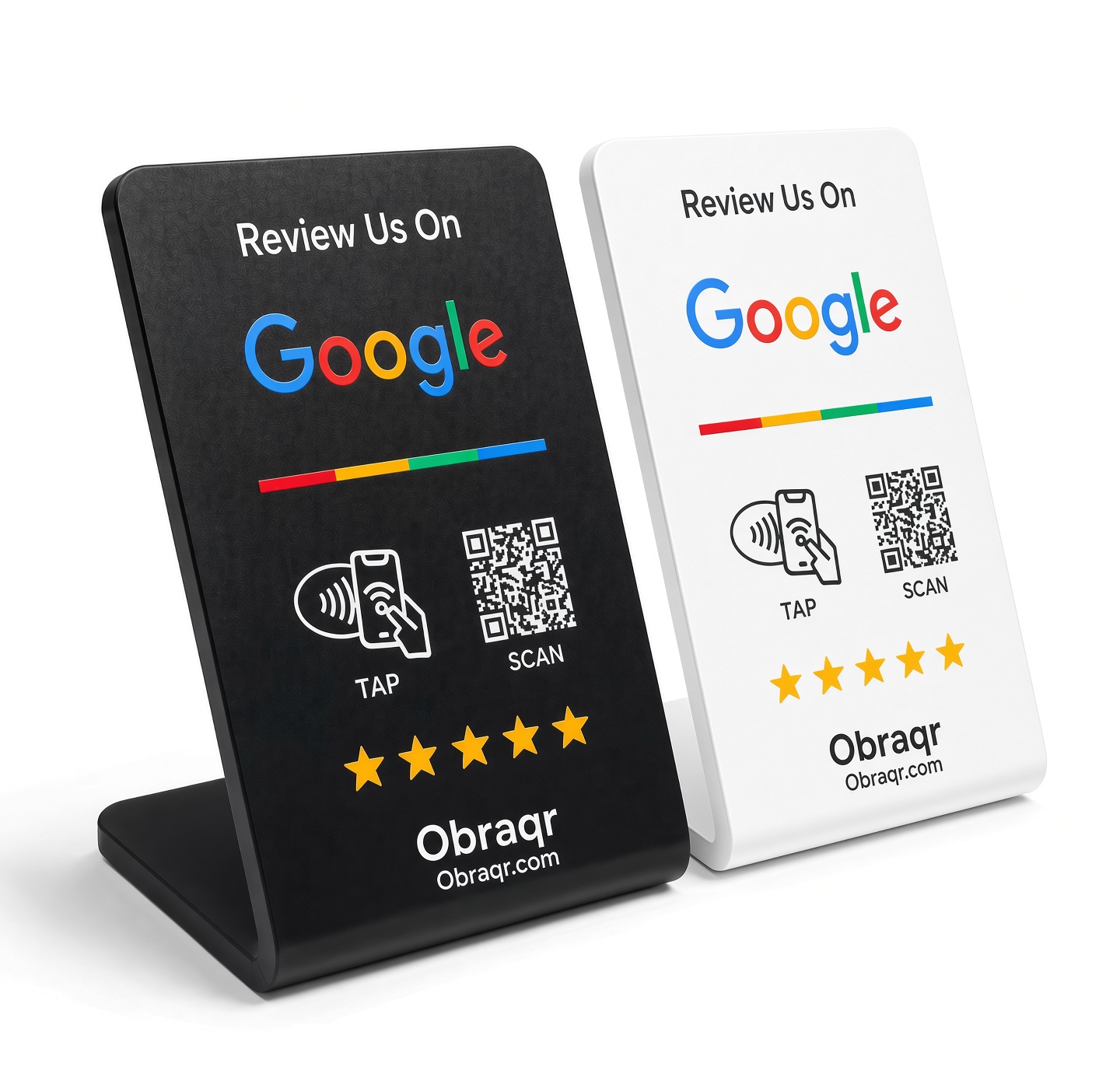
- Pre-programmed to your Obra QR
- Works with any iPhone or Android
- Black or white finish
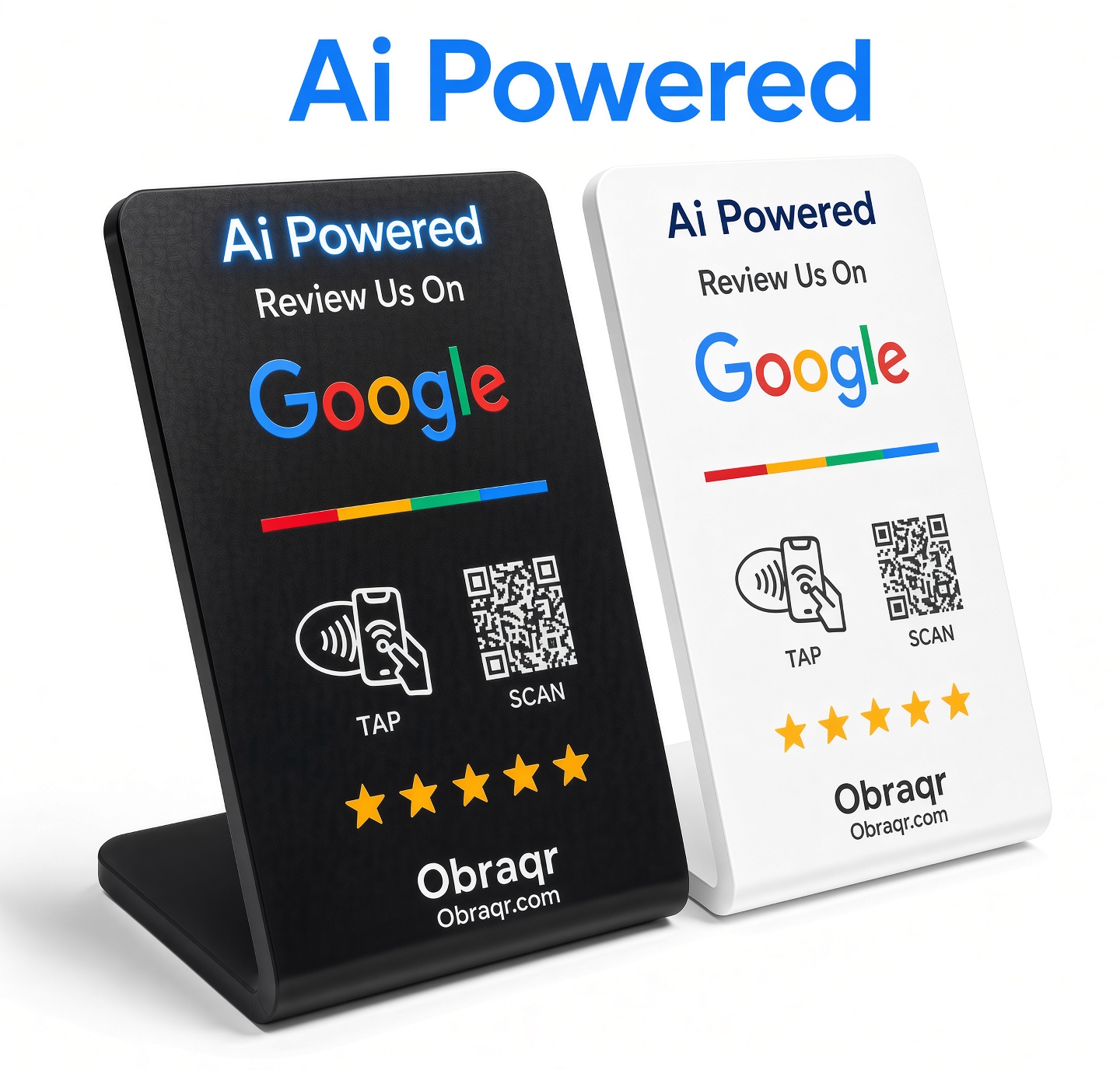
- Everything in Starter
- AI lead capture on every scan
- Scan analytics dashboard

- 3 pre-configured stands
- Each linked to your Obra QR
- Save $58 vs. buying 3 single

- 3 AI-powered stands
- Scan analytics dashboard
- AI lead capture + qualification

- 10 custom-branded stands
- Your logo printed on each
- White-label ready

- 10 custom-branded stands
- AI lead capture on every scan
- Full white-label analytics

- Pre-configured to your profile
- Tap to share contact + links
- Standard PVC card size

- Everything in PVC
- AI contact qualification
- Auto-logged to leads inbox

- Metal + NFC hybrid construction
- Tap to share profile + links
- Premium unboxing experience

- Metal card construction
- AI lead capture + analytics
- Full scan history dashboard
Loading apps…
Workspace
All your Obra surfaces in one place.
Loading projects…
to generate your QR code
Print it, add it to your business card, or post it anywhere customers can scan.
Loading decks…
No review link set yet. Add it in Settings → Business Profile.
AI Reply Assistant
Paste a lead's message, pick a tone, and get a ready-to-send reply in seconds.
ObraVoice AI
An AI receptionist that answers your phone 24/7, helps callers, and logs a lead when someone wants a callback.
ObraVoice AI isn't set up yet for this business. Activating it provisions a real phone number and an AI assistant that answers calls using your business info, and creates a lead here whenever a caller wants a callback.
Tell the AI what it needs to know to answer calls well — services, hours, pricing, booking policy, anything callers typically ask about.
ObraVoice AI is active. Calls to the number below are answered automatically.
Leads captured on calls show up in your Leads Hub, tagged "ObraVoice AI".
Settings
New lead alerts will be sent to this address.
Used in email signatures via {{domain}}.
Used in templates via {{review_link}}.
{{presence_links}} variable in email templates.Email and Schedule Call buttons open Gmail compose and Google Calendar instead of your default mail client.
✓ Ticket submitted — we'll get back to you within 24 hours.
Resets your draft to the default repository content. Current draft edits will be lost.
Permanently deletes your account and all associated data. This cannot be undone.
Delete your account?
This will permanently delete your account, all leads, content, and settings. There is no undo.
Type DELETE to confirm:
Sorry to see you go
Before you leave, would you mind telling us why? Your feedback helps us improve.
Obra Mail
Your professional email, powered by Obra.
Team
Manage who has access to this workspace. Invited members get Full Admin access.
Loading…
They'll receive an email with a link to set their password and join this workspace.
Each member gets a branded profile page at /team/their-slug.
No team members added yet.
Loading…